Uses
A living document of the tools, software, hardware, and setup I use daily for development, research, writing, and productivity.
I am deeply opinionated about my tools. Everything on this page is the result of countless hours of experimentation, tweaking, and real-world usage. I optimize for aesthetics, speed, and reliability, ensuring my digital environment stays out of the way so I can focus on what matters: building and writing.
Editor & IDE
VS Code ↗
Primary editor for everything - TypeScript, Python, MDX, and more.
Antigravity ↗
Lightweight secondary editor for quick edits.
GitHub Copilot ↗
AI pair programmer - speeds up boilerplate and exploratory coding.
JetBrains Mono
Monospaced font with ligatures for all editors and terminal.
Terminal & CLI
iTerm2 ↗
Customized macOS terminal with split panes and profiles.
Oh My Zsh ↗
Zsh framework with plugins - git, autosuggestions, syntax highlighting.
Starship ↗
Minimal, fast, cross-shell prompt with context-aware info.
tmux
Terminal multiplexer for persistent sessions and window management.
DevOps & Cloud
AWS ↗
Primary cloud - EC2, S3, Lambda, EKS, IAM, CloudFormation.
Terraform ↗
Infrastructure as Code for reproducible cloud provisioning.
Docker ↗
Container runtime for dev environments and CI/CD pipelines.
Kubernetes
Container orchestration - EKS in production, Minikube locally.
GitHub Actions
CI/CD workflows for testing, building, and deploying.
Browser & Extensions
Comet ↗
Primary browser - fast, minimal, and distraction-free.
React DevTools
Component tree inspection and profiling.
Lighthouse
Performance, accessibility, and SEO auditing.
uBlock Origin
Ad blocking and privacy protection.
Design & Media
Figma ↗
UI design, prototyping, and component libraries.
Excalidraw ↗
Hand-drawn style diagrams for architecture and brainstorming.
Cloudinary ↗
Image optimization and CDN for the portfolio.
OBS Studio
Screen recording and streaming for demos.
Writing & Research
Obsidian ↗
Markdown-based knowledge management and note-taking.
Zotero ↗
Reference manager for academic research and citations.
Grammarly ↗
Writing assistant for grammar, tone, and clarity.
MDX
Markdown + JSX for blog posts - the best of both worlds.
Productivity
Notion ↗
Project management, docs, and personal dashboards.
Raycast ↗
macOS launcher - replaces Spotlight with superpowers.
Spotify ↗
Background music and podcasts while coding.
1Password ↗
Password manager for personal and dev credentials.
Hardware
MacBook Pro
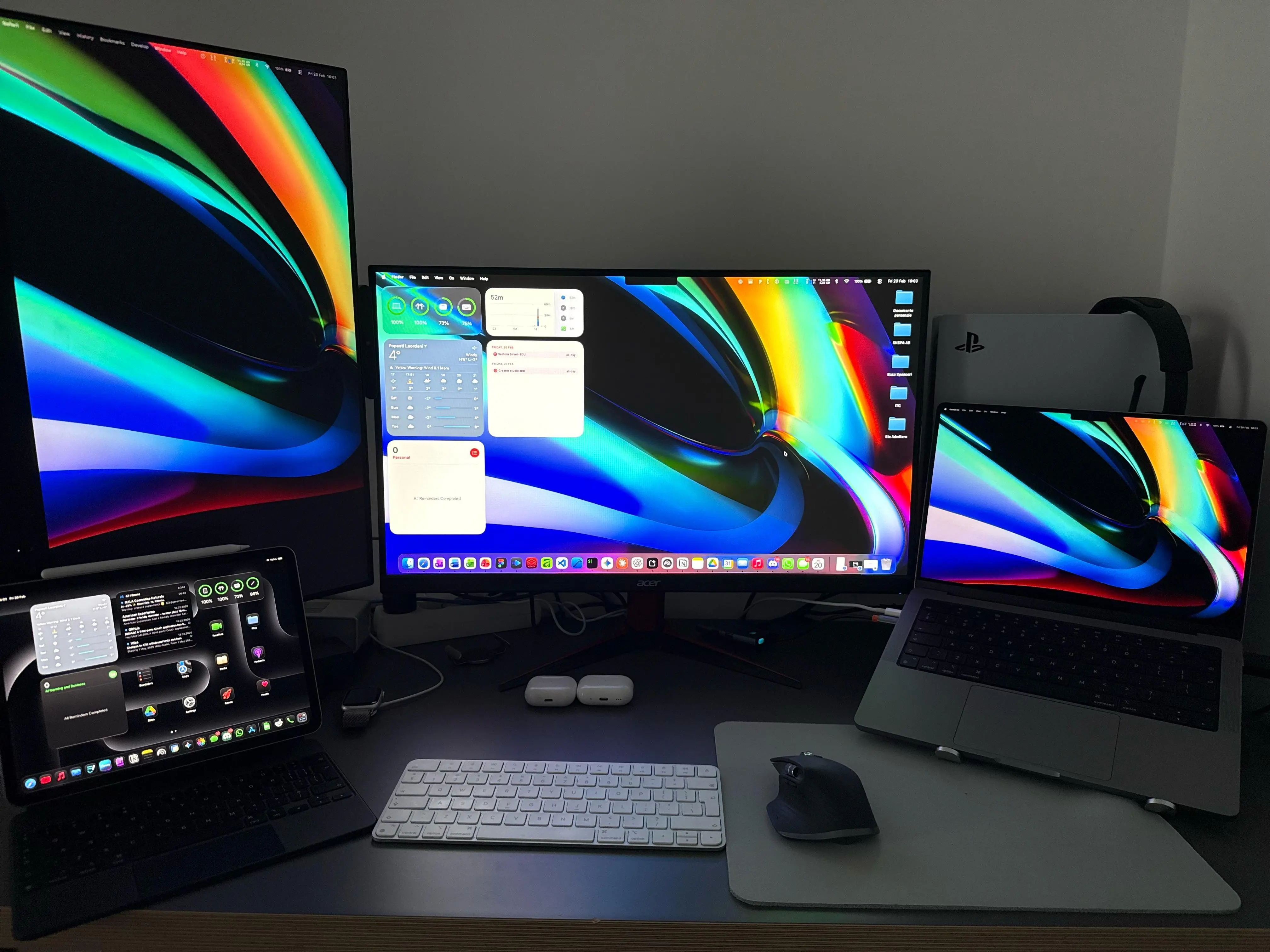
M-series Apple Silicon - primary dev machine.
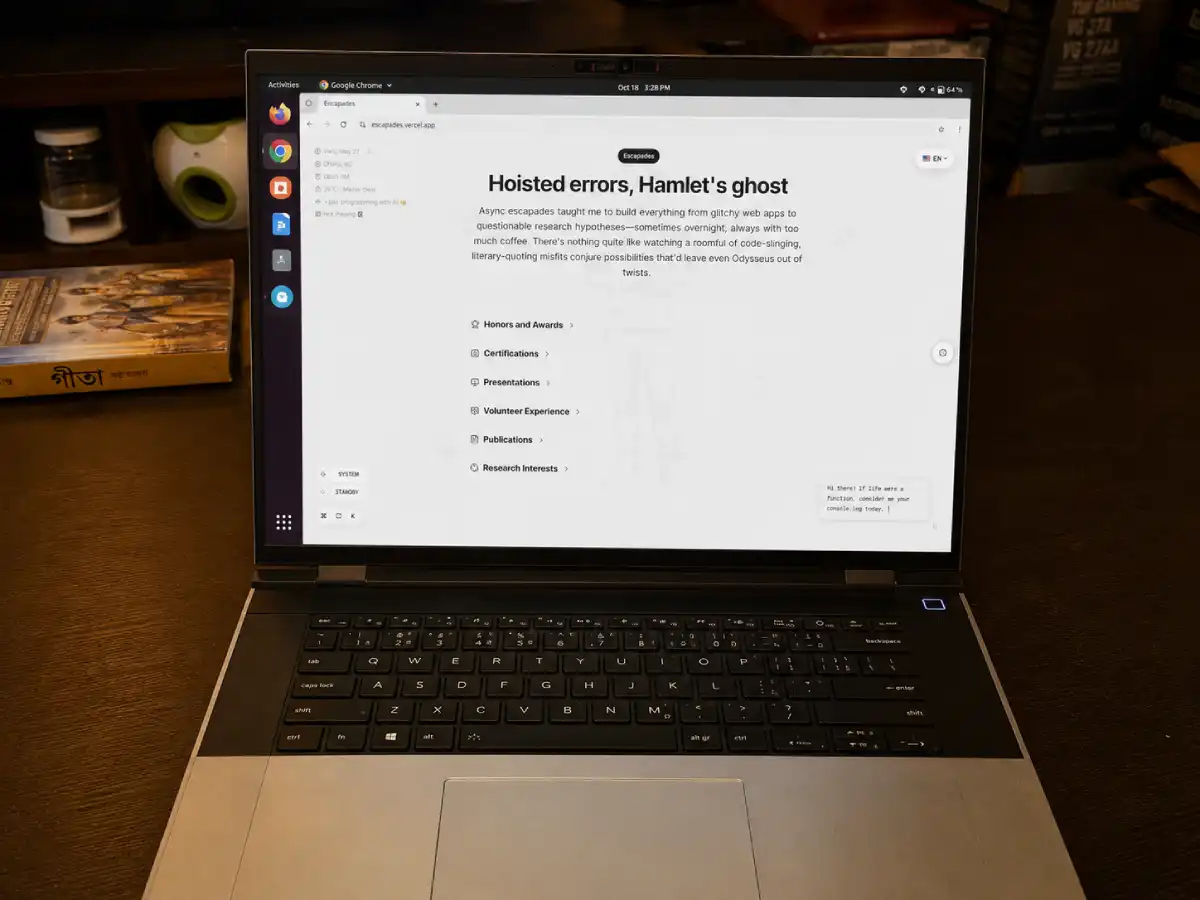
Framework Laptop 16
A fully modular, repairable, and upgradeable high-performance laptop.
Mechanical Keyboard
Satisfying clicks and ergonomic typing for long sessions.
External Monitor
Ultrawide for multitasking - code, terminal, and browser side by side.
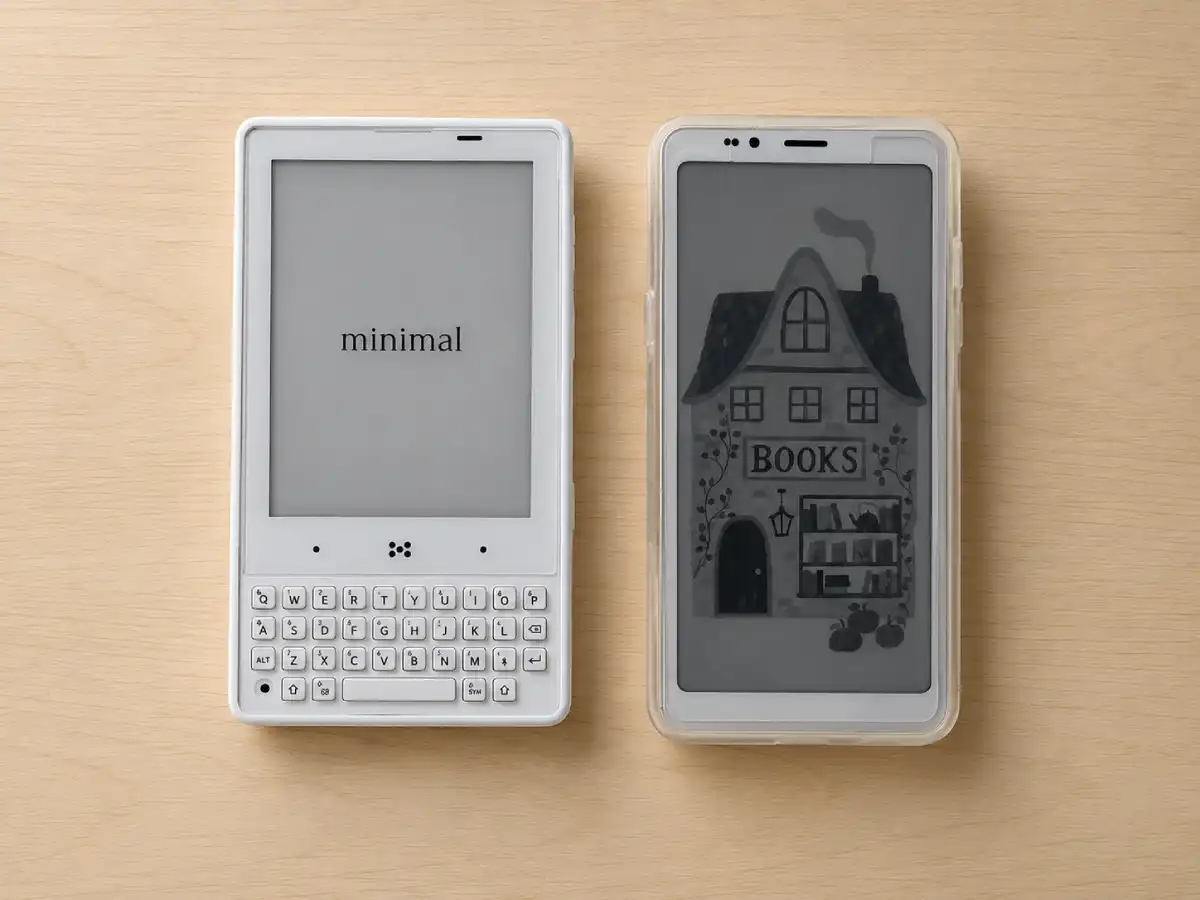
Bigme HiBreak S & Minimal Phone
E-ink smartphones for a distraction-free, reading-focused mobile experience.
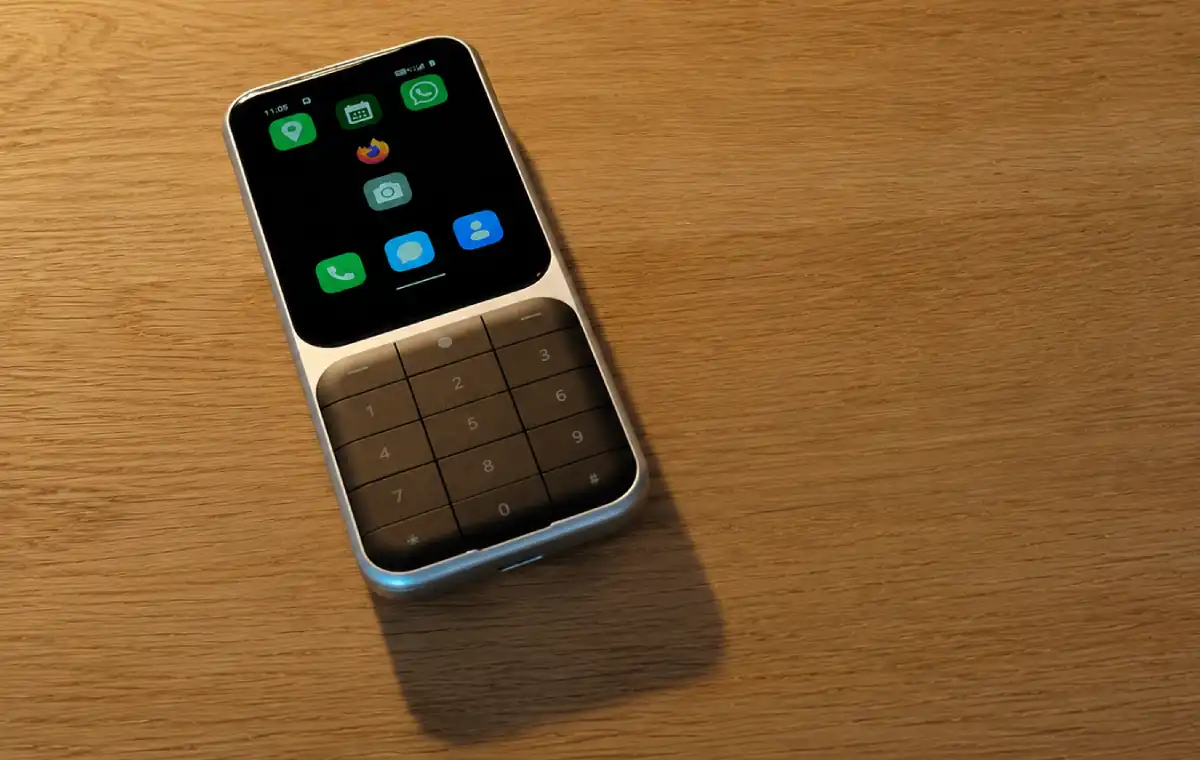
Sidephone
A minimalistic companion device to reduce screen time and distractions.
Audio & Spiritual
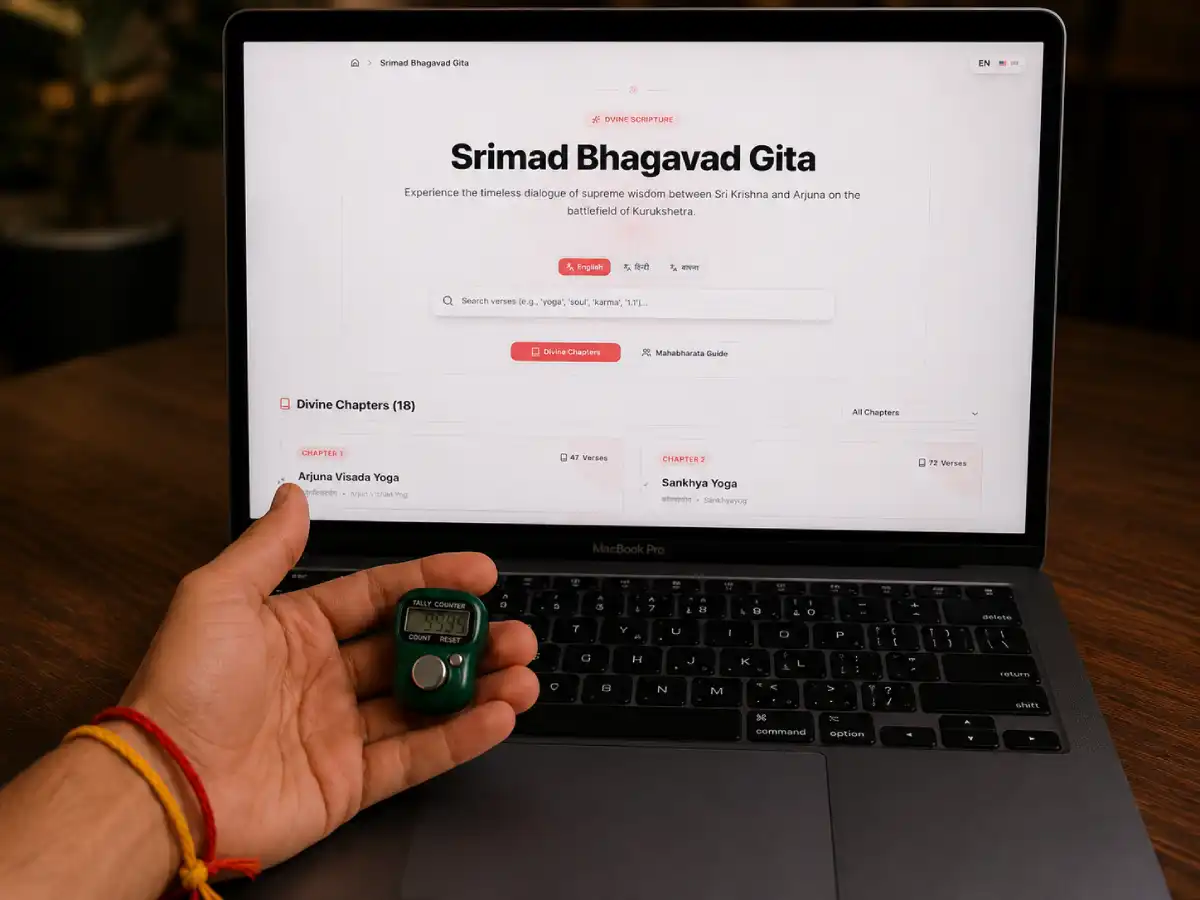
Tally Counter
A physical tally counter for chanting the holy names (mantra meditation). As Krishna says in the Gita: "Of sacrifices I am the chanting of the holy names."
AirPods Pro
Noise cancellation for deep focus sessions.
Desk Speakers
For ambient music and calls when at the desk.
Last updated: October 2026